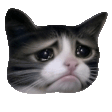
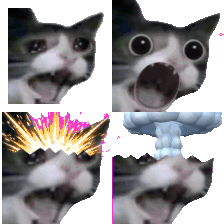
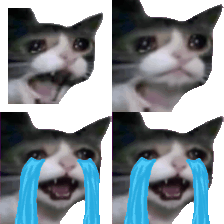
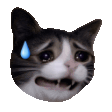
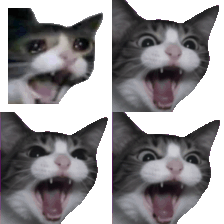
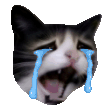
Eight small cat faces for feelings with more volume than a standard crying emoji: Cry, Pout, Oops, Love, Hype, Crying Cat Crying, Crying Cat Screaming, and Crying Cat Mind Blown. Three are short animated loops and five are still images, so the pack mixes quiet reactions with loud ones.
The still ones are the everyday workhorses. Pout is a polite way to say that was not the answer you hoped for, Oops owns a small mistake, and Love says thanks in a thread without writing a paragraph. Hype and the three Crying Cat loops are better kept for the moments that deserve them, such as a launch day, a failed build at 5 PM, or a result that is genuinely hard to believe.
Use the stills in busy channels where motion distracts, and the animated ones in social channels and celebration threads. Keep a few of each so you can match the volume of the message you are answering. We cannot confirm who made these images, so if you own one and want it removed, the contact page will get it taken down.
Download any emoji above, then upload it as a custom emoji in your workspace. Step-by-step guides: add custom emojis in Microsoft Teams, add custom emojis in Slack, or add custom emojis in Discord. These files are 112 by 112 pixel GIFs of about 5 to 30 KB each, three of them animated. That is under the 128 KB Slack's help recommends and the 256 KB figures Teams and Discord list (checked October 14, 2026). Your workspace can still restrict who may add emoji. Discord's help says uploading needs the server owner or the Manage Emojis or Create Expressions permission, and its custom emoji page also covers animated emoji, so check it for what your account and server allow.
More packs like this: Cat Reactions emojis · Halloween Cats emojis · Cat Emojis emojis