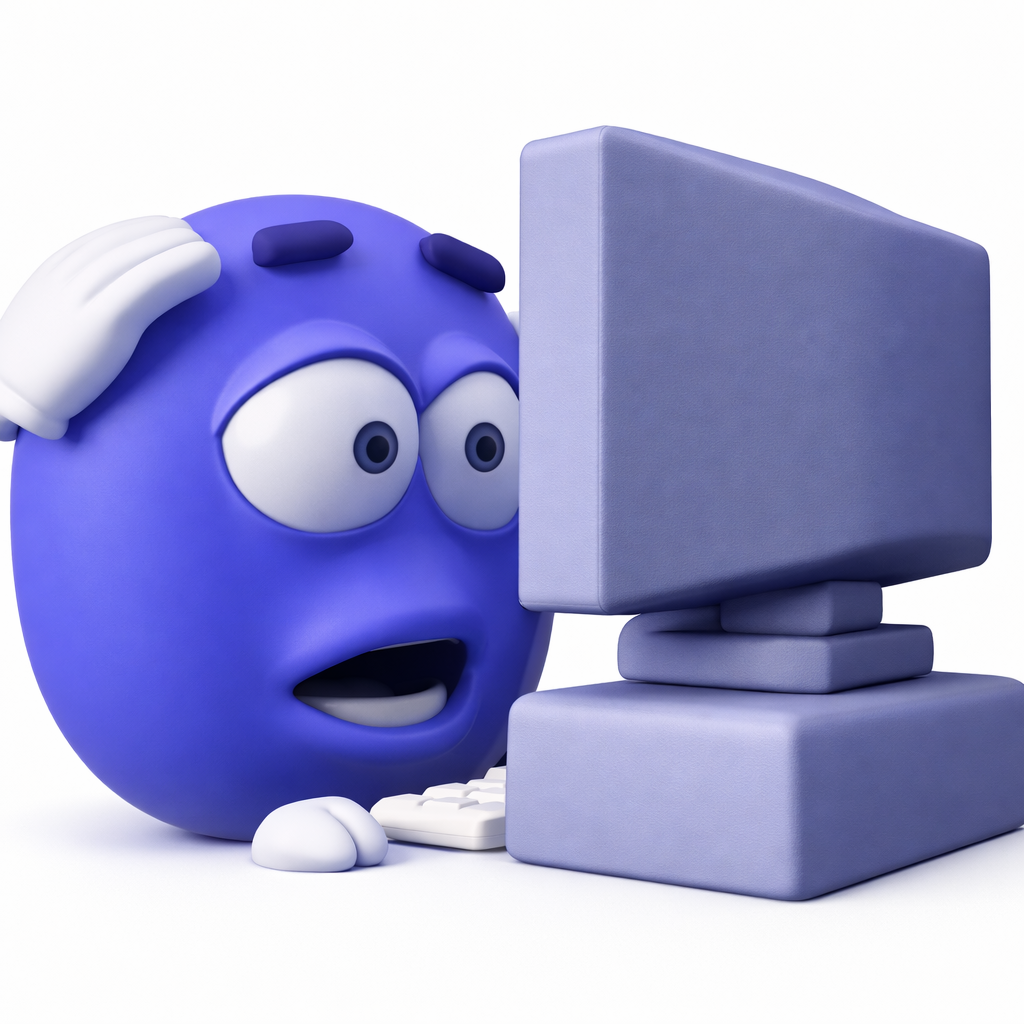
Discord file fit
Discord supports JPEG, PNG, GIF, and WEBP under 256 KB. Upload up to 128 x 128 pixels; the emoji is shown around 32 x 32 in chat.
Discord emoji belong to a community, not a corporate directory. Build a tight server set around the games, characters, in-jokes, and reaction faces your members already share, then save scarce slots for images that stay readable at 32 pixels.
Discord sets work best when they reflect the server. These packs lean into fandom and gaming, with bold silhouettes that survive the tiny in-chat render better than detailed photos or long captions.


Anime reaction emojis: sparkles, tears, nosebleeds, and dramatic gasps. A big pack for workspaces that run on reactions.


Fan-made emojis based on Pokemon. Starters, legendaries, pokeballs, and Pikachu in more poses than you will ever need, sized for Teams and Slack.


Pixel-art emojis in the style of classic 8-bit and 16-bit games. Hearts, coins, power-ups, and sprites for retro gaming fans.


Fan-made Among Us emojis. Crewmates in every color, plus vents, emergencies, and the word sus, which your workspace needs more than it admits.
Discord supports JPEG, PNG, GIF, and WEBP under 256 KB. Upload up to 128 x 128 pixels; the emoji is shown around 32 x 32 in chat.
A server starts with 50 static emoji slots. Nitro or Nitro Basic adds 50 animated slots, and Nitro members can use server emoji elsewhere.