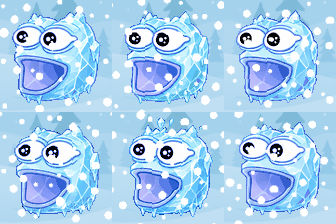
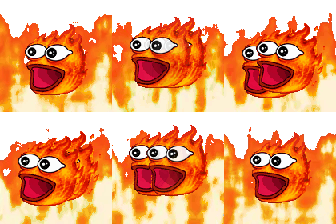
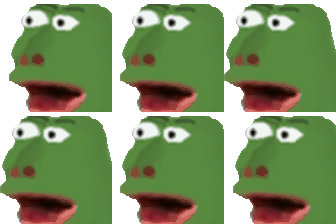
Eight Poggers loops, starring a green frog character, built around motion and temperature: Poggers Shake, Poggers Hooray, Poggers Frozen, Poggers Hot, Poggers Laugh, Poggers Warp, Poggers Sad and Poggers Cry. Where the faces pack covers plain expressions, this one covers states, such as freezing, overheating or warping out of the frame.
Frozen is for a build or a call that has hung. Hot is for a server, a deadline or a hot take. Warp is for something that arrived faster than expected, Shake is for a big reaction, and Hooray is a clean celebration. Laugh, Sad and Cry round out the set for the everyday reactions.
Our suggestion is to add Frozen, Hooray and Hot first, since they map to things teams actually say in chat. Use a shared prefix such as poggers- to keep them together. We cannot confirm who made these images, so if you made or own one and want it removed, the contact page will get it taken down.
Download any emoji above, then upload it as a custom emoji in your workspace. Step-by-step guides: add custom emojis in Microsoft Teams, add custom emojis in Slack, or add custom emojis in Discord. These eight files are 112 by 112 pixel animated GIFs, about 40 to 125 KB each. That is under the 128 KB Slack's help recommends and the 256 KB figures Teams and Discord list (checked October 14, 2026). Your workspace can still restrict who may add emoji. Discord's help says uploading needs the server owner or the Manage Emojis or Create Expressions permission, and its custom emoji page also covers animated emoji, so check it for what your account and server allow.
More packs like this: Poggers Faces emojis · KEKW Reactions emojis · Meme Classics emojis