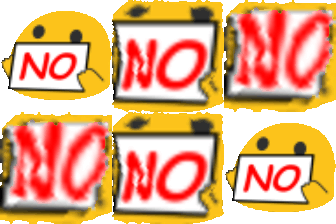
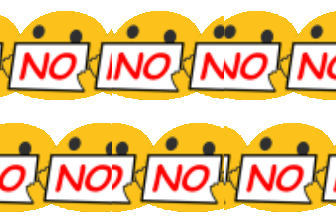
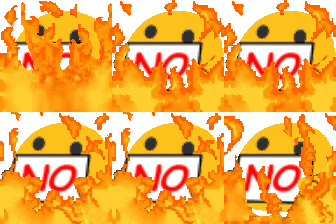
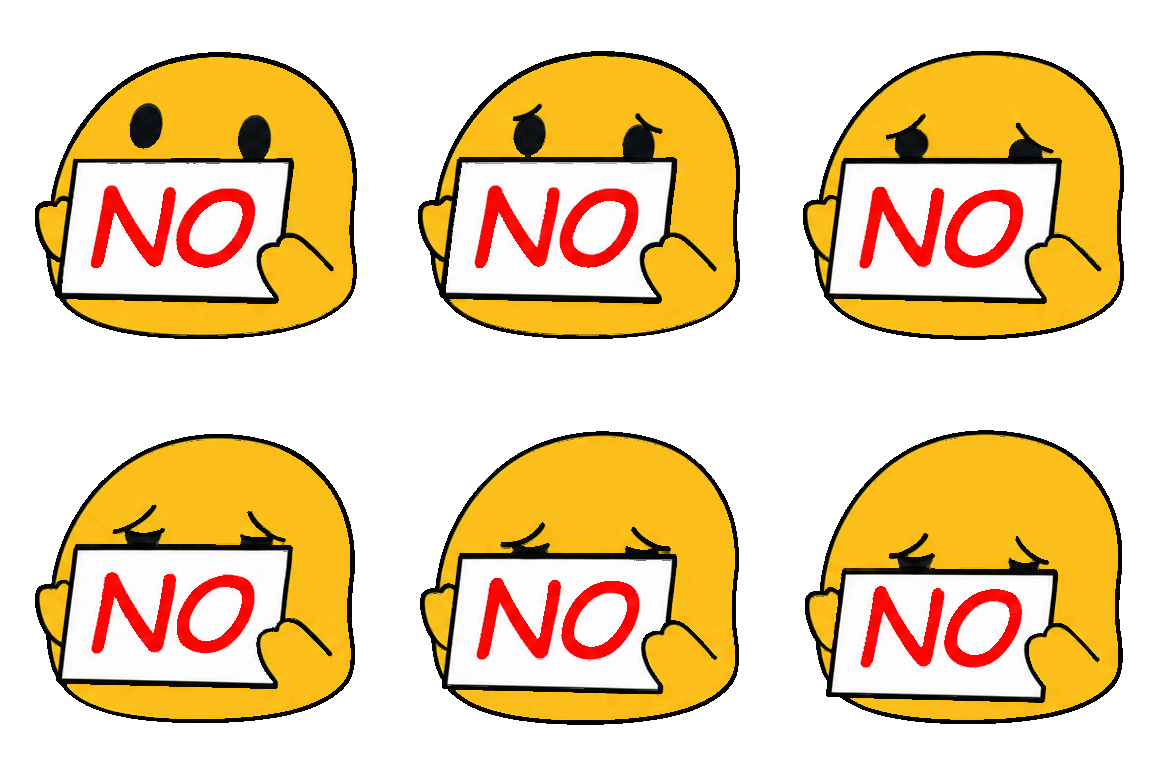
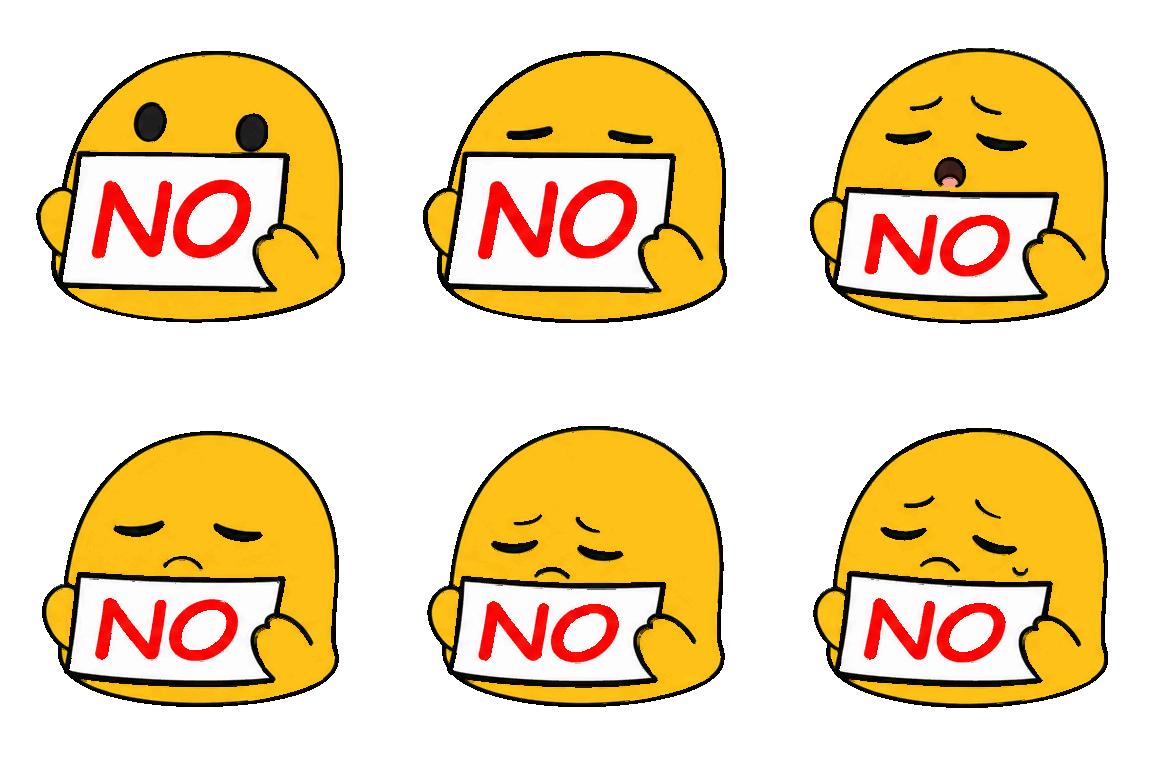
Eight loops of a yellow blob face holding a sign that says NO: No Zoom, No Sigh, No Jack In The Box, No Sad, No Mad, No Fire, No Disappear and No Conga Line. The sign never changes. What changes is the mood behind it, so you can decline something warmly, wearily or with a small fire in the background.
A flat no is rarely the whole message at work, and these let you set the tone with one reaction. No Sad and No Sigh are for a request you wish you could take. No Mad and No Fire are for a firm no that you do not want to argue about, and No Zoom is for the meeting invite that should have been a message. No Disappear and No Jack In The Box are the playful ones, and No Conga Line is for a no that the whole channel agrees with.
Three of the loops are larger than the rest, 384 pixels square against 112, which is why the file notes below list two sizes. Our suggestion is to upload No Sigh and No Zoom first. The yes-reactions pack is the matching set of answers, so a channel can have both. We cannot confirm who made these images, so if you made or own one and want it removed, the contact page will get it taken down.
Download any emoji above, then upload it as a custom emoji in your workspace. Step-by-step guides: add custom emojis in Microsoft Teams, add custom emojis in Slack, or add custom emojis in Discord. These eight files are 112 by 112 pixel and 384 by 384 pixel animated GIFs, about 35 to 325 KB each. Three of the eight are over the 256 KB that Teams and Discord list, and five are over the 128 KB Slack's help recommends, so shrink them first with the free emoji maker or any image editor, then check the exported size and that your platform accepts it (limits checked October 14, 2026). Slack's help says GIFs of up to 50 frames work, and the longest loop here has 59 frames, so trim those before uploading to Slack. Your workspace can still restrict who may add emoji. Discord's help says uploading needs the server owner or the Manage Emojis or Create Expressions permission, and its custom emoji page also covers animated emoji, so check it for what your account and server allow.
More packs like this: Yes Reactions emojis · Cat Reactions emojis · Unhinged Emojis emojis